
Automate Appointment Booking on WhatsApp: Cut No-Show Rates by 60%
A practical blueprint for clinics, aesthetic centers, and professional service firms to automate 24/7 client booking and eliminate calendar no-shows via interactive WhatsApp reminders.
Executive Summary: How WhatsApp Appointment Automation Slashes No-Shows by 60%
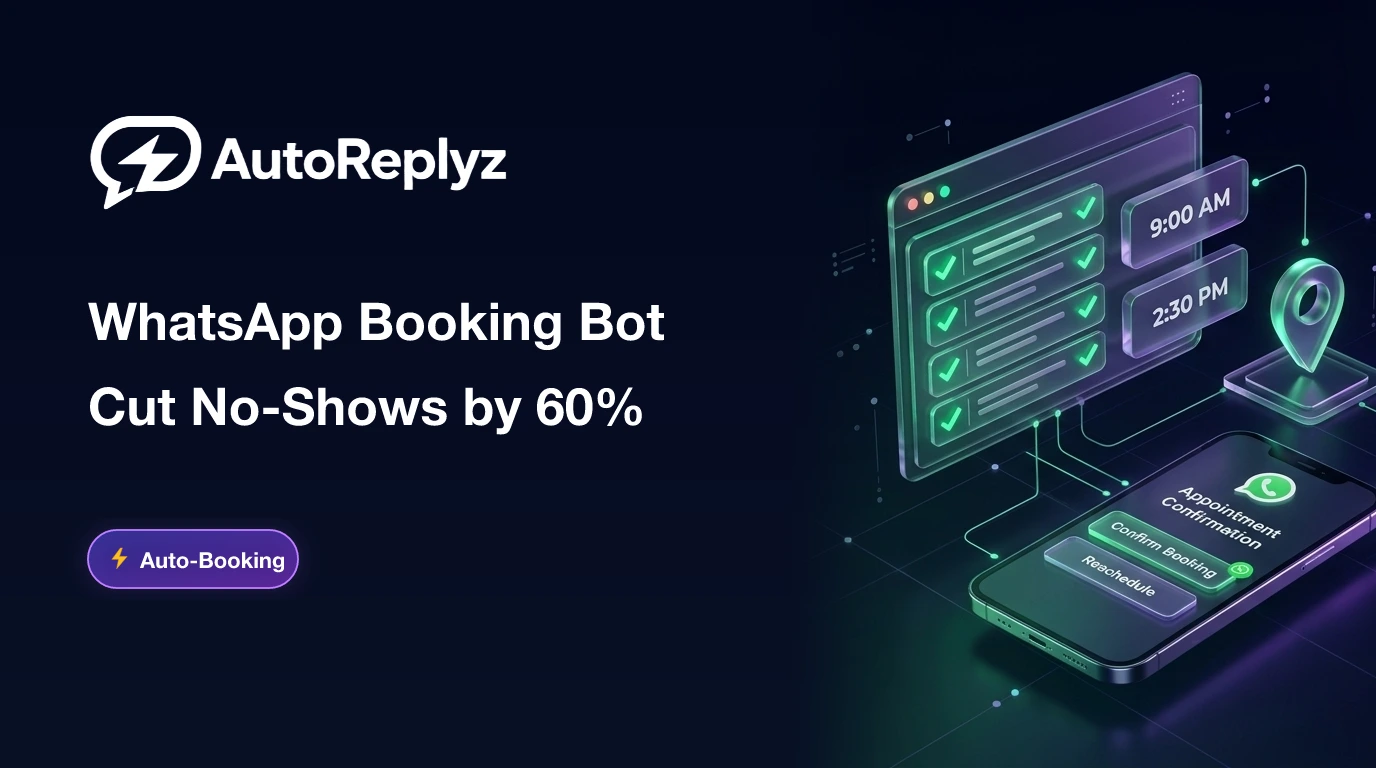
Patient and client no-show rates across healthcare clinics, salons, and professional service firms hover between 25% and 30% when relying on manual confirmation phone calls. Replacing phone outreach with an automated WhatsApp Cloud API appointment scheduler drives no-show rates down to under 8%. This is achieved via a 2-way interactive reminder sequence 24 hours prior featuring [Confirm Appointment] and [Reschedule] buttons, followed by an automated Google Maps location pin 2 hours before the visit.
The Severe Cost of Missed Appointments in Service Businesses
Whether you operate a dental clinic, aesthetic center, legal consultancy, or automotive workshop, every unattended booking inflicts a triple loss:
- Direct Revenue Drain: High-value practitioner or doctor time that cannot be recovered or billed.
- Wasted Front-Desk Labor: Reception staff spending 4+ hours every day dialing unanswered reminder calls.
- Schedule Gaps & Inefficiency: Late cancellations create unusable dead zones in your daily calendar.
Comparison: Manual Phone Outreach vs Automated WhatsApp Booking
| Criterion | Traditional Phone Calls | AutoReplyZ WhatsApp Automation |
|---|---|---|
| Engagement / Open Rate | 35% (call screening & unknown numbers) | 98% (messages read within minutes) |
| Confirmation Mechanism | Awkward 3-minute phone discussion | 1-click interactive button [Confirm] |
| Booking Availability | Clinic working hours only | 24/7 self-service scheduling |
| Location & Directions | Vague verbal instructions | Live Google Maps pin & parking instructions |
| No-Show Rate | 25% to 32% | Reduced to below 8% |
The 3-Stage Anti-No-Show WhatsApp Cadence
Instant message confirming provider, date, time slot, and booking ID, paired with an "Add to Google/Apple Calendar" link.
Interactive reminder with two buttons: [Confirm Visit] or [Reschedule]. If the user clicks reschedule, the bot immediately presents alternative open slots.
Friendly arrival guide: "Looking forward to seeing you in 2 hours! Here is our Google Maps location and entrance directions."
How to Launch Your WhatsApp Booking Bot on AutoReplyZ
1. Build the Decision Flow Visually
Use AutoReplyZ's Visual Flow Builder to craft interactive button menus (Branch -> Service -> Morning/Evening Slot).
2. Register Pre-Approved Utility Templates
Submit your reminder templates as Utility Notifications inside Meta to enjoy ultra-low message rates and 100% deliverability.
3. Embed Web Chat on Your Website
Install the AutoReplyZ live chat widget on your site with the prompt: "Book your appointment in 60 seconds on WhatsApp" to capture inbound traffic 24/7.
Eliminate No-Shows & Automate Your Calendar
Empower your clinic or service business with AutoReplyZ. 24/7 automated booking and interactive confirmations that guarantee attendance.
Automate Your WhatsApp & Meta Messaging with AutoReplyZ
Official Meta Cloud API. 24/7 automated replies, visual flow builder, and unified team inbox.

AutoReplyZ Engineering Team
Verified AuthorThe AutoReplyZ team specializes in conversational AI, official Meta Cloud API integration, and business growth funnels. We help companies and online businesses scale customer relationships without scaling headcount.
Related Articles & Recommended Reads
Keyword Triggers Masterclass: Make Your Bot Understand Customers & Reply Instantly
A hands-on guide to setting up keyword triggers with three matching modes (Exact, Contains, Starts With) and linking them to text replies or full interactive conversation flows.
Top 15 WhatsApp Chatbot FAQs: Expert Answers to Every Question
Clear expert answers to the most common chatbot questions: Will my number get banned? How much does it cost? Can bots understand dialects? How does my team get started?
How to Install Smart Web Chat Widget on Salla, Zid, Shopify, and Any Custom Website
A practical walkthrough to embed a responsive, lightweight live chat widget on your store (Salla, Zid, Shopify, WooCommerce) or custom HTML site in 60 seconds with 1-click WhatsApp handoff.